
Affiliate Disclosure: Some Coursera links in this article use an affiliate identifier, which may earn RIA LLC a commission at no extra cost to you. Our conclusions remain independent, and we do not accept payment for a positive conclusion. See our editorial policy and affiliate disclosure.
Part of our Online Learning and Career Change Guides library.
Formatting and verdict · Verified August 26, 2026
List it as one line in a Certifications section — name, Google (via Coursera), completion date, credential URL — put the capstone under Projects, and add it to LinkedIn’s Licenses & certifications with the credential ID.
A Google Career Certificate is a professional certificate, not a degree, and it performs best on a resume when formatted as exactly that: a clean, verifiable certification line plus a Projects entry built from the capstone, because the portfolio piece is what interviews ask about. Google says graduates can apply directly to Google and 150+ US employers and that 75% report a positive career outcome within six months — Google’s own survey figures. Realistically, the line clears keyword filters; your project and skills do the convincing.
Where a Google certificate goes on your resume: the short answer
Put it in a “Certifications” section — one clean line with the certificate name, the issuer (Google, via Coursera), the completion date, and the credential URL — and then put the capstone in your “Projects” section, because the portfolio piece is what interviews actually ask about. Add it to LinkedIn under Licenses & certifications with the credential ID or URL so recruiters can verify it in one click.
Set expectations honestly while you format: Google says certificate graduates can apply directly to jobs with Google and a consortium of 150+ US employers, and that 75% of graduates report a positive career outcome within six months — Google’s own self-reported survey figures. In practice the certificate line helps you clear keyword filters; the project entry and the skills behind it decide whether you get the interview and survive it. Format both properly and you extract everything the credential can give.
Browse the Google Career Certificates on Coursera →
How this guide was prepared
The certificate facts below — program contents, Google’s employer-consortium and outcome claims — come from the official Google Career Certificate pages on Coursera, checked on August 26, 2026. The formatting advice is standard resume practice for entry-level technical roles; no resume-screening statistics are invented here, and where a claim about hiring outcomes is Google’s, we say so.
Coursera is the brand with affiliate links in this article. That does not change the advice, which applies equally to a certificate you finished two years ago.
Where it goes: Certifications, not Education (usually)
A Google Career Certificate is a professional certificate, not a degree, and resumes should reflect that distinction cleanly:
- Default: a “Certifications” (or “Certifications & Training”) section, placed after Skills and above or below Education depending on which is stronger for the role. For a career changer targeting the certificate’s field, it can sit high — recruiters skim top-down.
- Education section only if your resume is thin — no degree, or a degree unrelated and long ago. In that case a combined “Education & Certifications” section is acceptable; still label the credential as a professional certificate, never as a degree line.
- The summary line is optional but useful for career changers: “Career-changing analyst with the Google Data Analytics Professional Certificate and a portfolio of SQL/R projects” tells the story in one sentence.
One certificate, well placed, beats a stack. If you have completed several of the Google Career Certificates, lead with the one matching the job and mention others only when relevant.
Keep the formatting machine-readable too. Many employers run resumes through applicant-tracking software before a human sees them, so put the certification in a plainly labelled section with standard text — no tables, text boxes or icons around it — and spell the credential out rather than abbreviating it. “GDAPC” matches nothing; the full title matches the filter the recruiter set up.
The exact line format
Recruiters and applicant-tracking systems both parse a certification line best when it carries four elements: name, issuer, date, credential URL. A clean pattern:
- Google Data Analytics Professional Certificate — Google (via Coursera), completed March 2026. Credential: coursera.org/verify/professional-cert/XXXX
- Google IT Support Professional Certificate — Google (via Coursera), completed January 2026. Credential: coursera.org/verify/professional-cert/XXXX
Details that matter more than they look:
- Use the full official name. “Google Data Analytics Professional Certificate”, not “Google Analytics cert” — keyword filters match on the real title, and “Google Analytics” is a different product entirely.
- “Google (via Coursera)” as issuer is the honest, standard form: Google authors the program, Coursera hosts and issues the verifiable credential.
- Month and year of completion. If you are still enrolled, write “expected September 2026” — listing an in-progress certificate is fine as long as it says so.
- Include the verification URL on digital resumes and portfolios. A recruiter who can verify in one click is a recruiter who does not wonder.
- Optionally add a one-line skills tail under the entry: “SQL, R, spreadsheets, Tableau, data cleaning and visualization” — drawn from the certificate’s actual curriculum, matched to the posting’s wording.
| Field | Resume | Check before publishing | |
|---|---|---|---|
| Certificate name | Use the full official title | Use the same title | Match the issued credential exactly |
| Issuer | Google (via Coursera) | Google as issuing organization | Do not present the certificate as a degree |
| Date | Completion month and year, or clearly marked expected date | Issue month and year | Leave expiration blank unless the credential states one |
| Verification | Credential URL on a digital resume | Credential ID and URL | Open the public link in a signed-out browser |
| Work evidence | Capstone under Projects | Project or case study under Featured | Remove confidential data and confirm every link works |
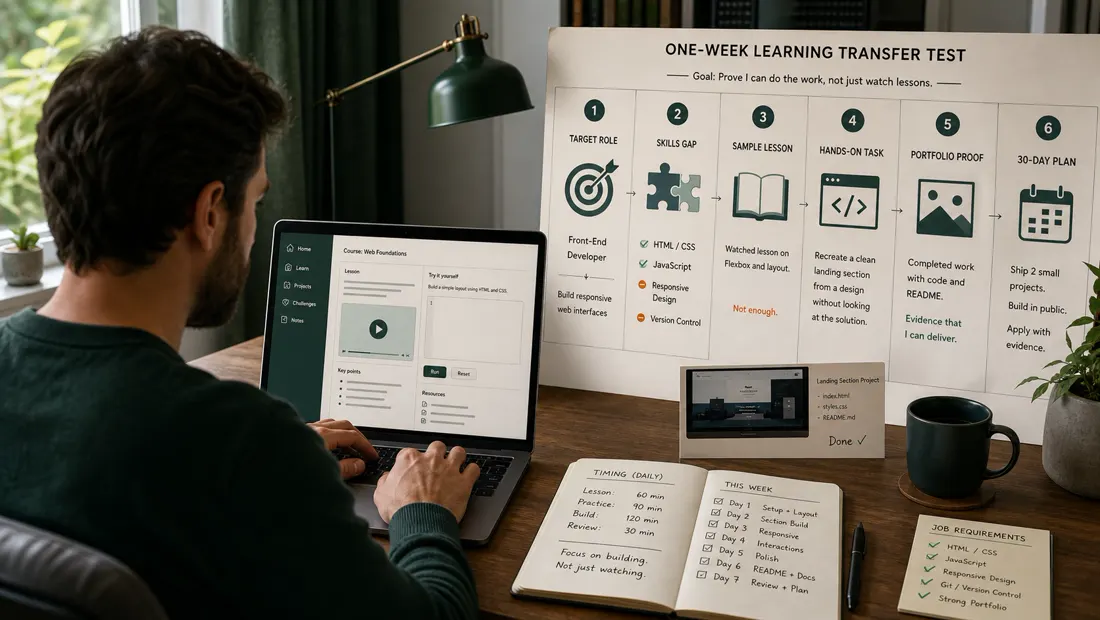
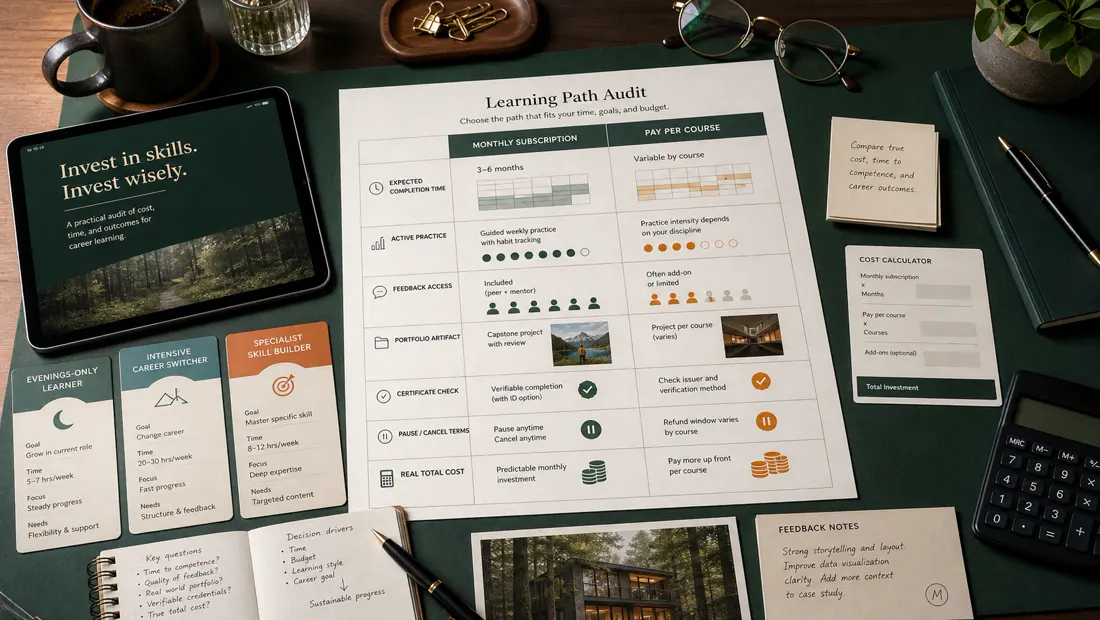
Editorial planning illustrations; these are not employer screens, applicant-tracking results, or evidence of a hiring outcome.
The capstone belongs in Projects — and it does the real work
This is the step most certificate holders skip, and it is the one interviewers care about. Several Google certificates end in substantial hands-on work — the Data Analytics certificate closes with a capstone case study, and UX Design produces three end-to-end portfolio projects. A certificate line says you completed coursework; a project entry shows what you can do with it. Format the capstone like real work experience:
- Title it by the problem, not the course: “Bike-share ridership analysis (capstone project)” reads better than “Course 8 capstone”.
- Two or three bullet points in the shape: action → tool → outcome. “Cleaned and analyzed a 12-month ridership dataset in SQL and R; visualized usage patterns; presented three recommendations in a stakeholder-ready deck.”
- Link the artifact — a GitHub repo, a published notebook or dashboard, a case-study page. An unverifiable project is a claim; a linked one is evidence.
- Then extend it. The strongest signal is the certificate’s methods applied to a dataset or problem the course did not hand you, because thousands of applicants share the same capstone brief.
In interviews, expect “walk me through your project” far more often than “tell me about the certificate”. Prepare the project story first.
Adding it to LinkedIn
LinkedIn has a dedicated home for it: Profile → Add profile section → Recommended → Add licenses & certifications. Fill it precisely:
- Name: the full certificate title, exactly as issued.
- Issuing organization: Google (Coursera also works; recruiters recognise both — pick Google for the logo recruiters know, and mention Coursera in the description if you like).
- Issue date: your completion month. Google Career Certificates do not list an expiry, so leave the expiration fields empty.
- Credential ID and URL: paste both from your Coursera certificate page, so the “Show credential” button resolves for anyone checking.
- Skills: attach the certificate’s skills (SQL, troubleshooting, Figma — whichever apply) to your profile’s Skills section; recruiter searches run on those fields.
Then make the profile consistent with the resume: the same capstone in Projects or Featured, and a headline that names the target role rather than the certificate alone — “Aspiring data analyst | SQL & R | Google-certified” outperforms a headline that is only a credential.
Timing note: add the LinkedIn entry the week you finish. Coursera generates the shareable certificate and credential URL on completion, and an entry that appears alongside fresh activity — a posted capstone, an updated headline — reads as momentum rather than a lone badge on a dormant profile.
What NOT to do
- Do not inflate it into a degree. Never place it under Education styled like a bachelor’s, and never write “certified by Google” in a way that implies employment or accreditation it does not carry. Hiring managers know exactly what these certificates are; overstating one damages the trust it was supposed to build.
- Do not stack every mini-course. A Certifications section listing one professional certificate looks focused; one listing fifteen single-course completion certificates looks like collecting. Individual course certificates from inside a program add nothing once the full certificate is listed.
- Do not list stale relevance. If you earned an unrelated certificate years ago and have since built a career elsewhere, it can simply come off. Every line on a resume should support the current application.
- Do not claim skills the certificate did not teach. Keep the skills tail to the actual curriculum; interviewers probe exactly those keywords.
- Do not let the certificate be the whole story. A resume whose only evidence is coursework reads as untested. Pair it with the project entry, always.
Honest expectations: what the line actually does
Google’s pitch for these certificates is concrete: graduates can apply directly to jobs with Google and 150+ US employers in its consortium (names on the certificate pages include Deloitte, Target and Verizon), and “75% of certificate graduates report a positive career outcome within six months” — a figure from Google’s own self-reported graduate survey. Treat both as Google’s claims, not guarantees.
What the certificate line reliably does is narrower and still valuable: it clears keyword filters for postings that ask for it, signals structured study to recruiters who recognise the program, and — at consortium employers — connects you to a channel built for certificate graduates. What it does not do is outweigh a weak portfolio, substitute for a degree where one is required, or set your salary. Entry-level markets in analytics, IT, UX and project management are competitive, and the candidates who convert the certificate into offers are the ones whose projects and interview answers back the line up. If you are still choosing which certificate is worth that effort, our guides to picking the best Google Career Certificate and whether the Data Analytics certificate is worth it weigh the options, and our career-change platform guide covers the wider field.
If you have not earned one yet: a no-waste plan
Formatting advice is cheap; the certificate itself costs about $49 a month after a 7-day free trial (US/Canada), with Google estimating three to six months depending on the program — most learners finish for less than $300, per Google. A sensible sequence:
- Pick by target job, not by curiosity. Search live postings for the role you want and note which credential and skills they name. The IT Support certificate is the fastest at about three months; Data Analytics, Cybersecurity, UX Design and Project Management run closer to six.
- Use the 7-day free trial to complete the first week of material and confirm the fit before paying anything.
- Plan the capstone as a portfolio piece from day one — you now know it becomes a Projects entry, so keep your work-in-progress clean and publishable.
- Draft the resume line the day you finish, add the LinkedIn entry the same week, and start applying while the material is fresh.
Start a Google Career Certificate free for 7 days →
Frequently asked questions
Where should a Google certificate go on a resume?
In a dedicated Certifications section, usually placed near your Skills section — high on the page if you are changing careers into the certificate's field. Put it under Education only if your resume is thin there, and even then label it clearly as a professional certificate, not a degree. Separately, format the capstone as an entry in your Projects section.
How do I write the certificate line exactly?
Four elements: full official name, issuer, date, credential URL. For example: "Google Data Analytics Professional Certificate — Google (via Coursera), completed March 2026. Credential: coursera.org/verify/professional-cert/XXXX". Use the exact official title so applicant-tracking keyword filters match it, and include the verification URL on digital resumes.
Can I list a Google certificate I have not finished yet?
Yes, as long as you say so: write "in progress, expected September 2026" in place of the completion date. Do not include a credential URL until it exists. Finish before interviews where possible — an in-progress line invites the question of when and whether you will complete it.
How do I add a Google certificate to LinkedIn?
Profile → Add profile section → Add licenses & certifications. Enter the full certificate name, Google as the issuing organization, your completion month as the issue date (no expiration), and the credential ID and URL from your Coursera certificate page so the "Show credential" button works. Then attach the certificate's skills to your profile's Skills section, since recruiter searches run on those fields.
Will a Google certificate on my resume actually get me interviews?
It helps you clear keyword filters and it connects you to Google's direct-apply consortium of 150+ US employers — and Google's claim that 75% of graduates report a positive career outcome within six months comes from its own self-reported survey. What converts attention into interviews is the portfolio: the capstone formatted as a project, ideally extended with work the course did not hand you. Entry-level markets are competitive; treat the certificate as the opener, not the argument.
Should I list every course certificate from inside the program?
No. Once the full professional certificate is listed, the individual course completion certificates inside it add clutter, not credibility. One focused certification line per program, matched to the job you are applying for, is the format recruiters read best.
Fact-checking note: official Coursera pricing and product pages were reviewed August 26, 2026. Reconfirm prices, plan limits, and features before purchase.